Do I need to take screenshots?
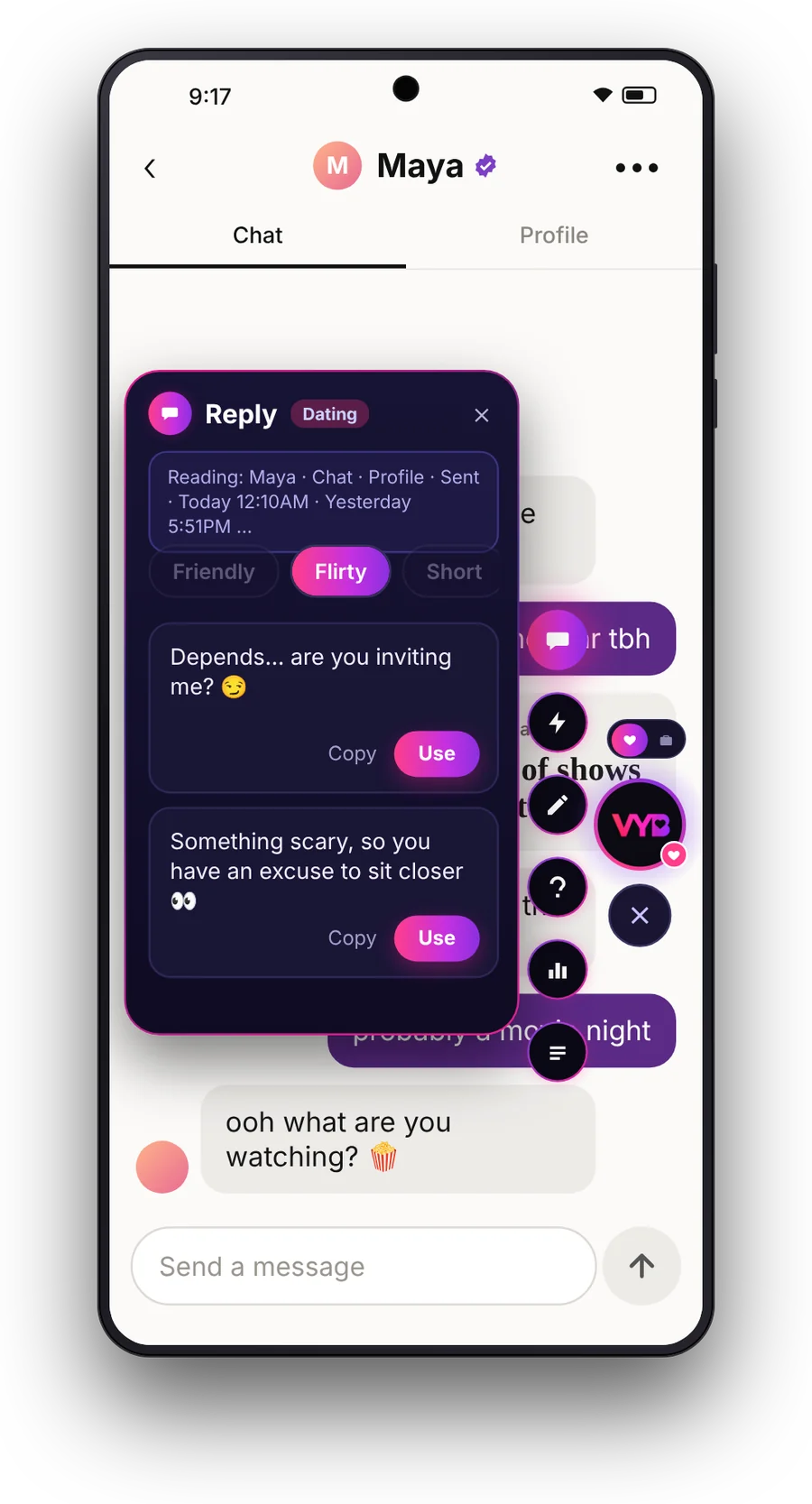
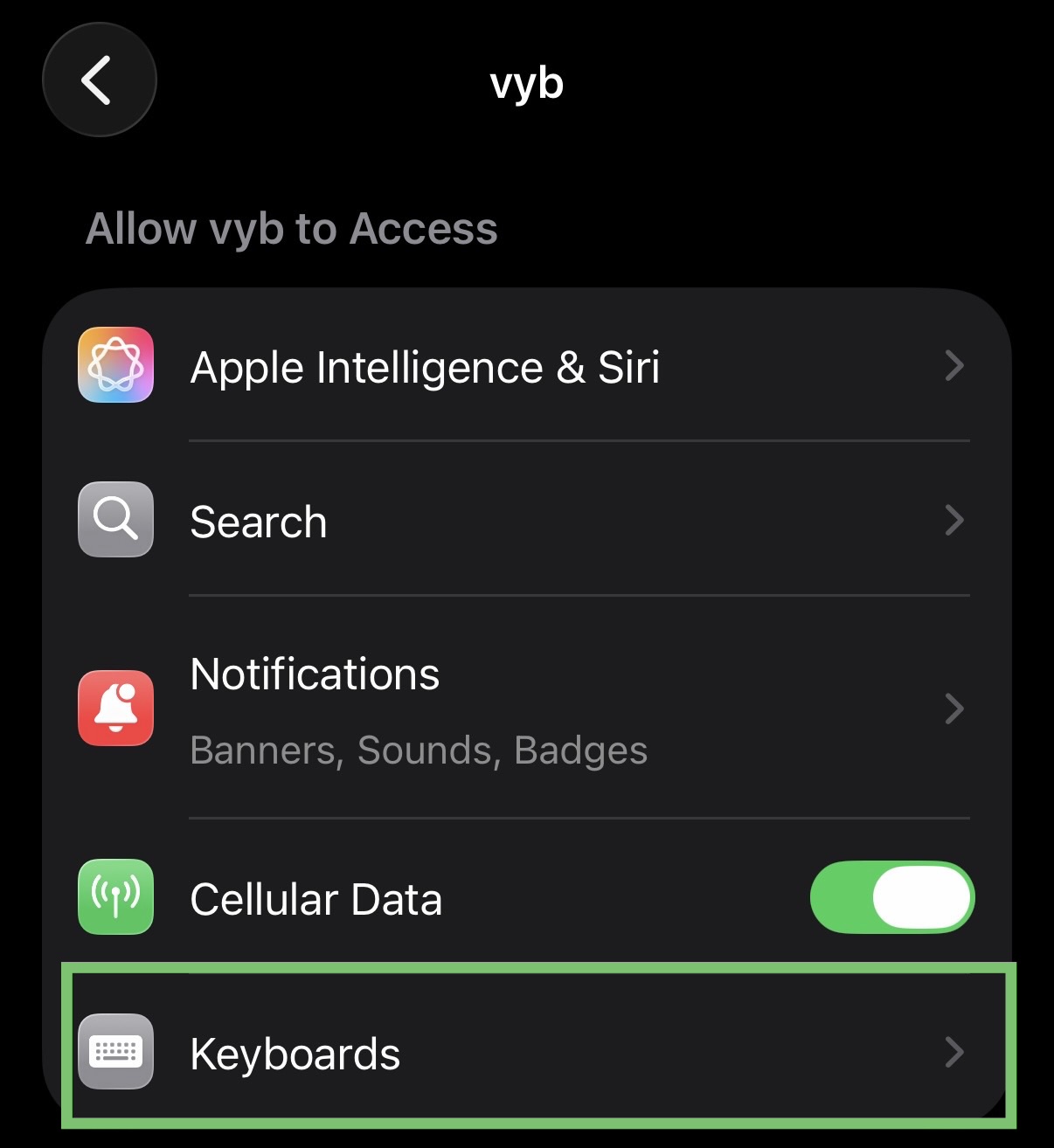
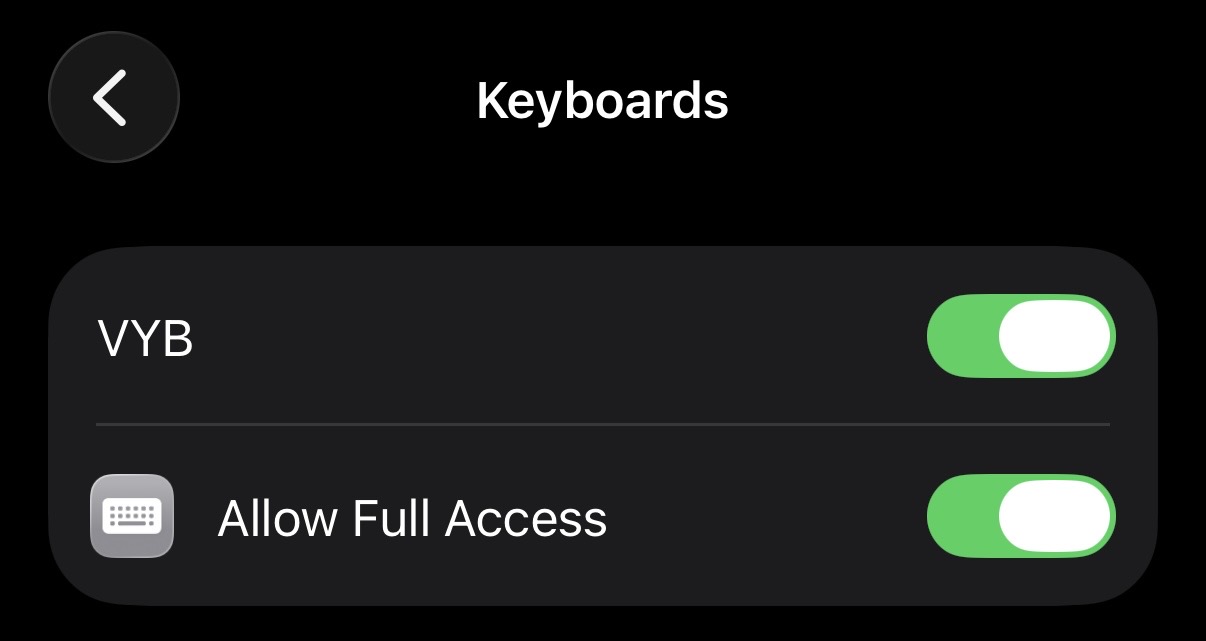
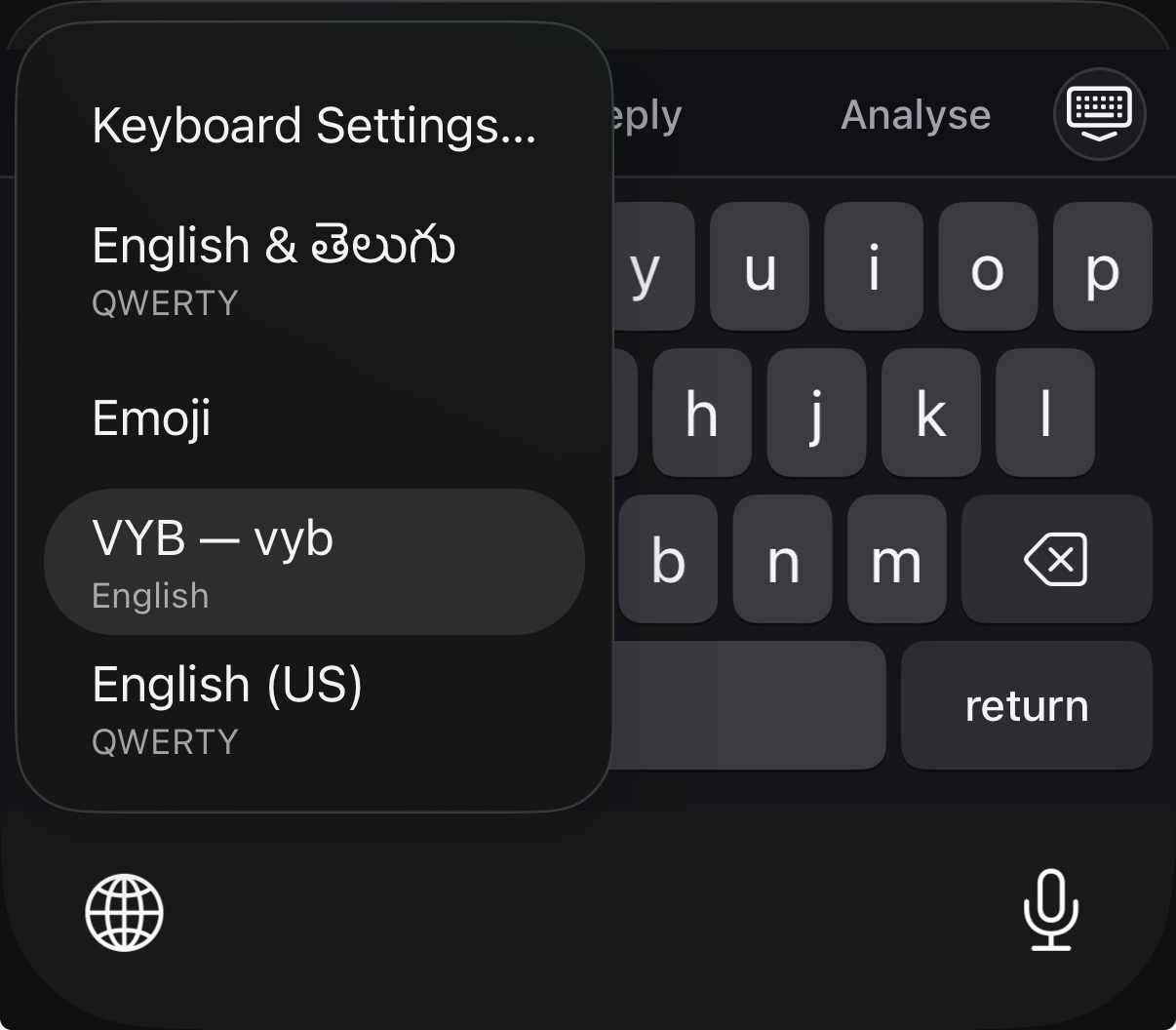
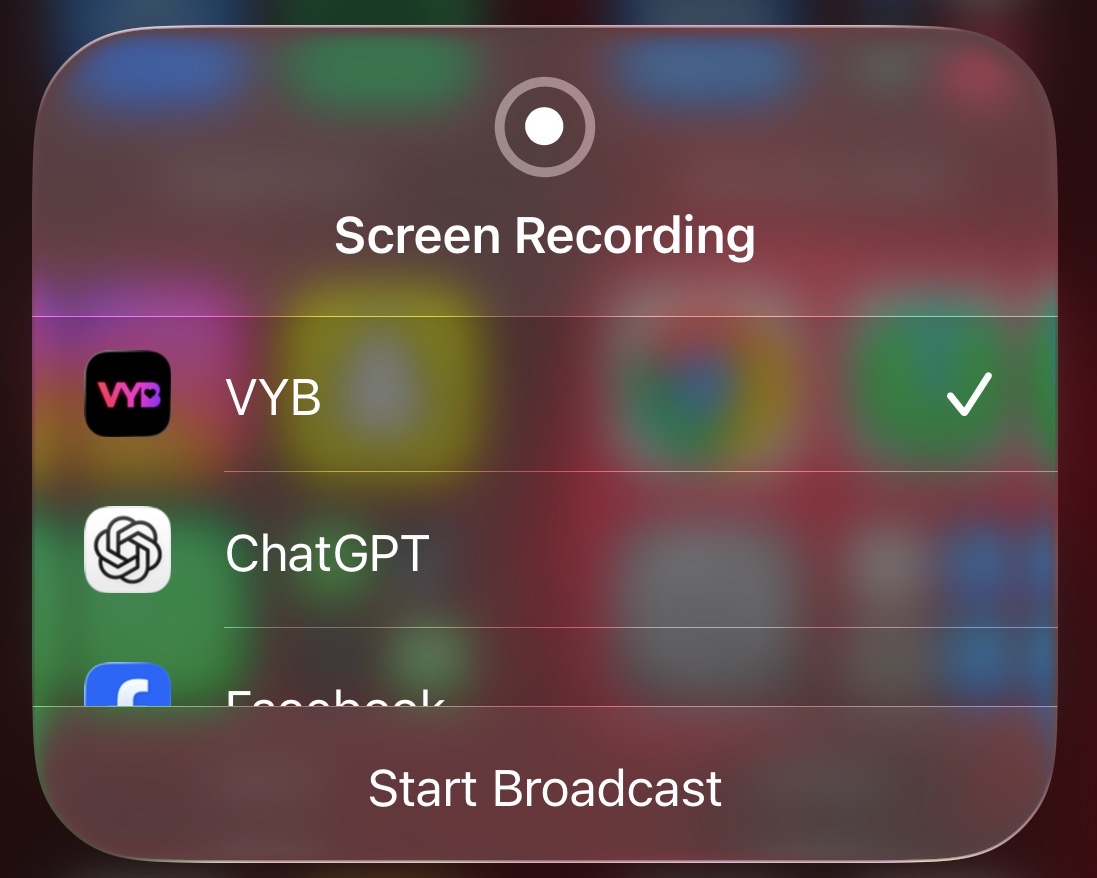
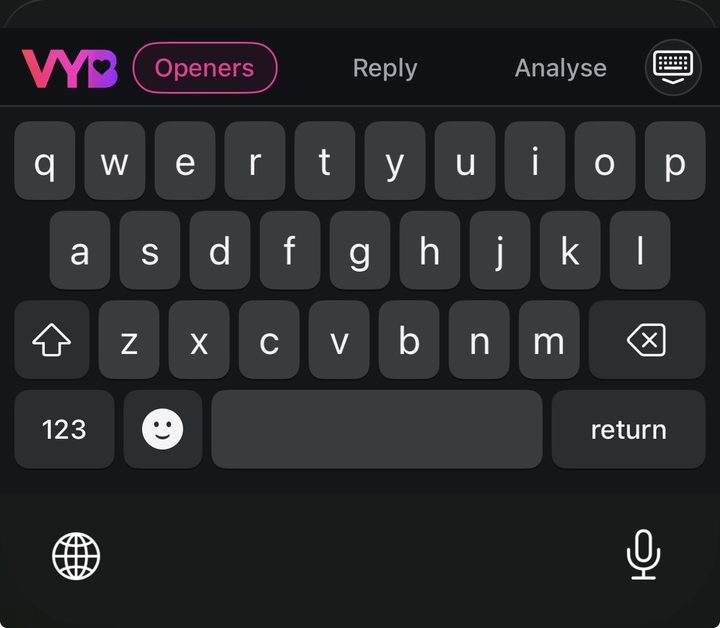
No. On iPhone, start a broadcast once and leave it on: each time you tap Generate, VYB reads one snapshot of the screen and throws it away. Rather not broadcast? Tap Upload screenshot right in the keyboard. On Android, the Orb reads the chat when you tap it. VYB never saves your screenshots or screen recordings.
Can VYB answer anything, like ChatGPT?
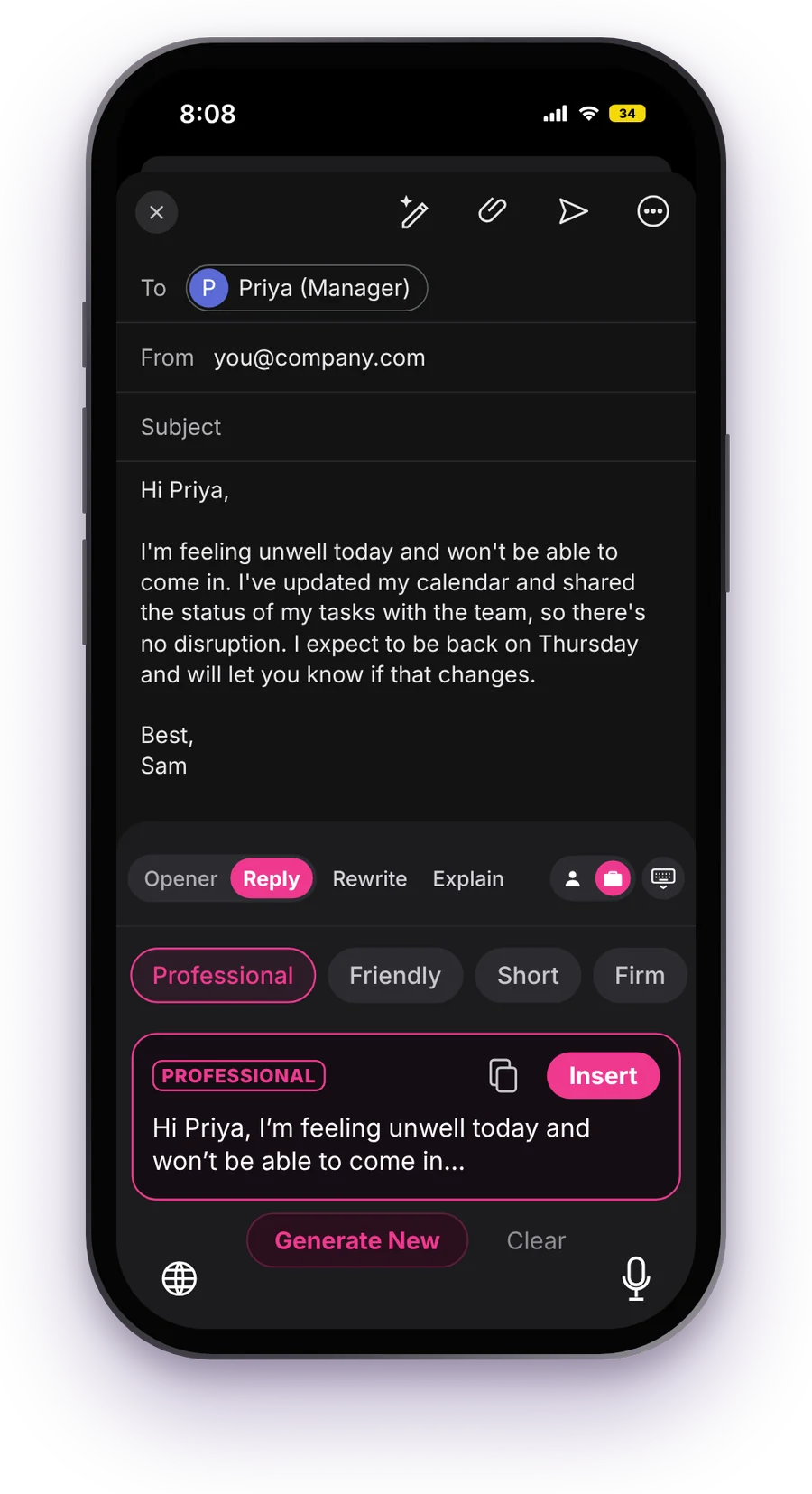
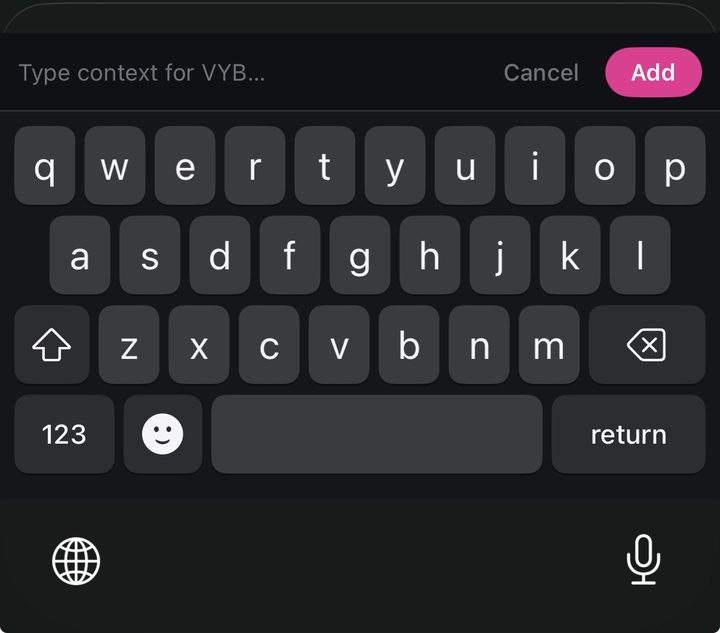
Everyday questions, yes: emails, recipes, ideas, how-tos, small bits of code, and explaining anything on your screen, code included. Ask in the keyboard's context box and the answer appears where you're typing. VYB doesn't browse the web, so for live things like today's weather, scores or prices, check a live source.
Will she know I used AI?
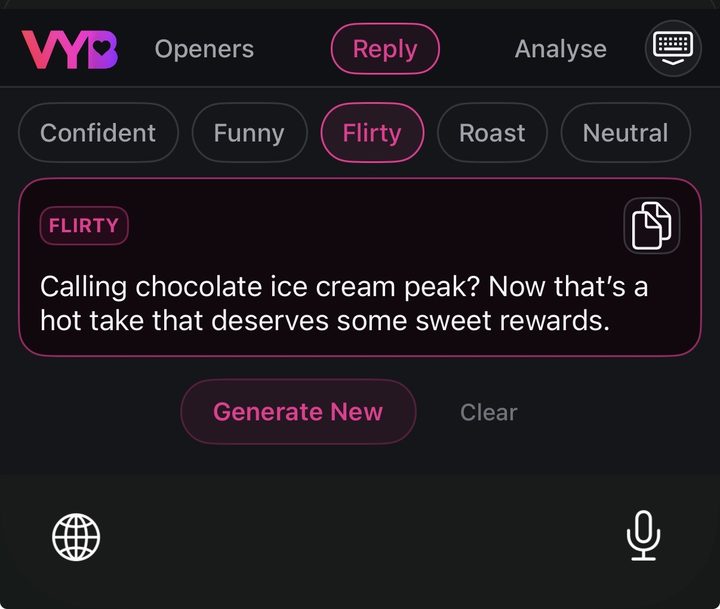
No. VYB hands you the line — you read it, tweak it, send it in your own voice. It's a starting point, not a script. The ones that land are the ones you make yours.
Does it work in WhatsApp and Instagram DMs, or only dating apps?
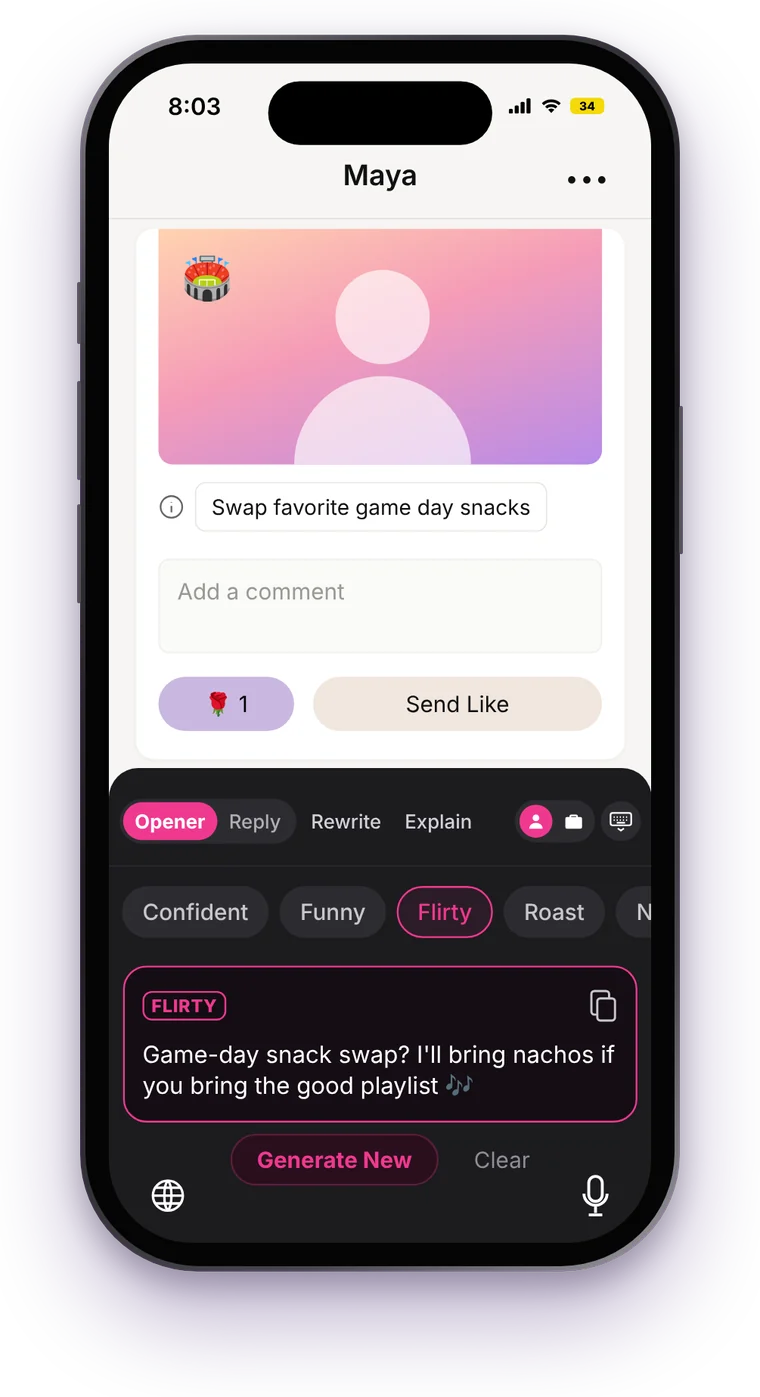
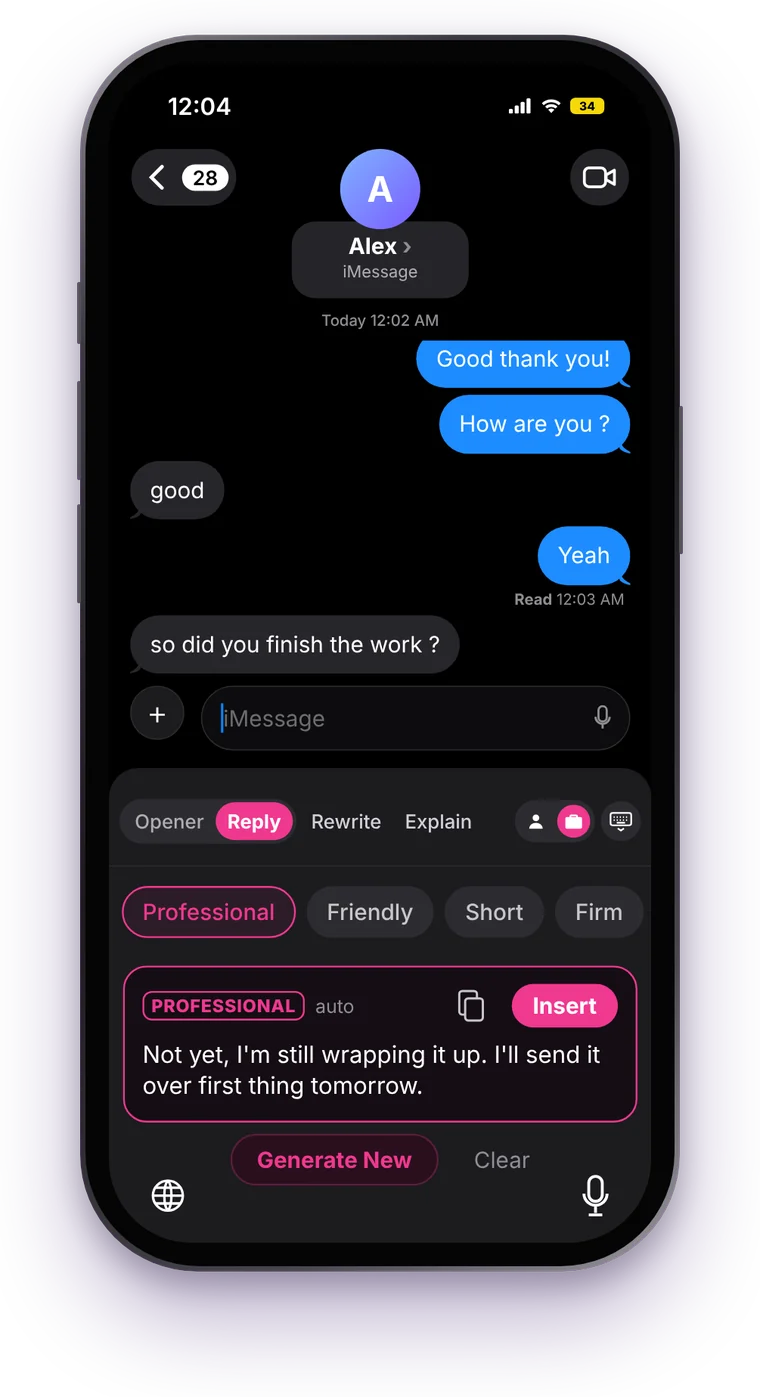
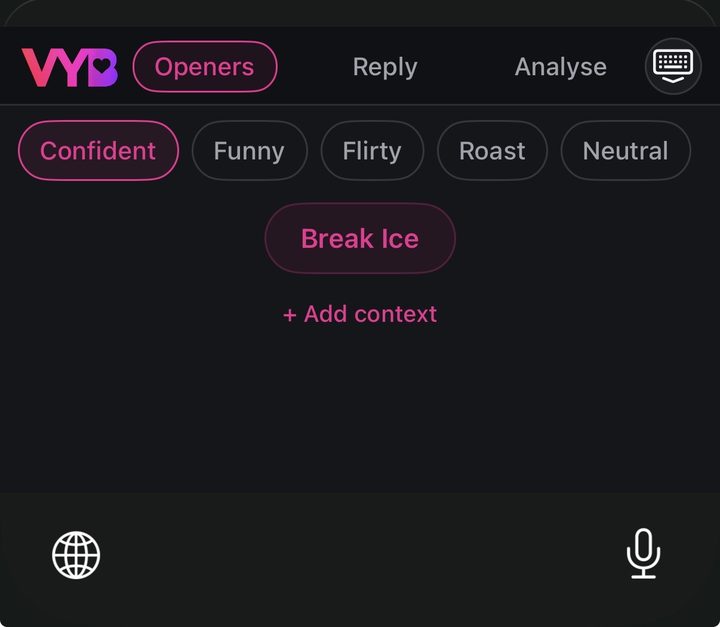
Anywhere you type. It's a keyboard, so it works in Tinder, Hinge, Bumble, Instagram DMs, WhatsApp and iMessage — and in everyday conversations too, not just dating. Add a line in the context box (who they are, what you want to say) and VYB writes for that chat.
Is VYB on Android?
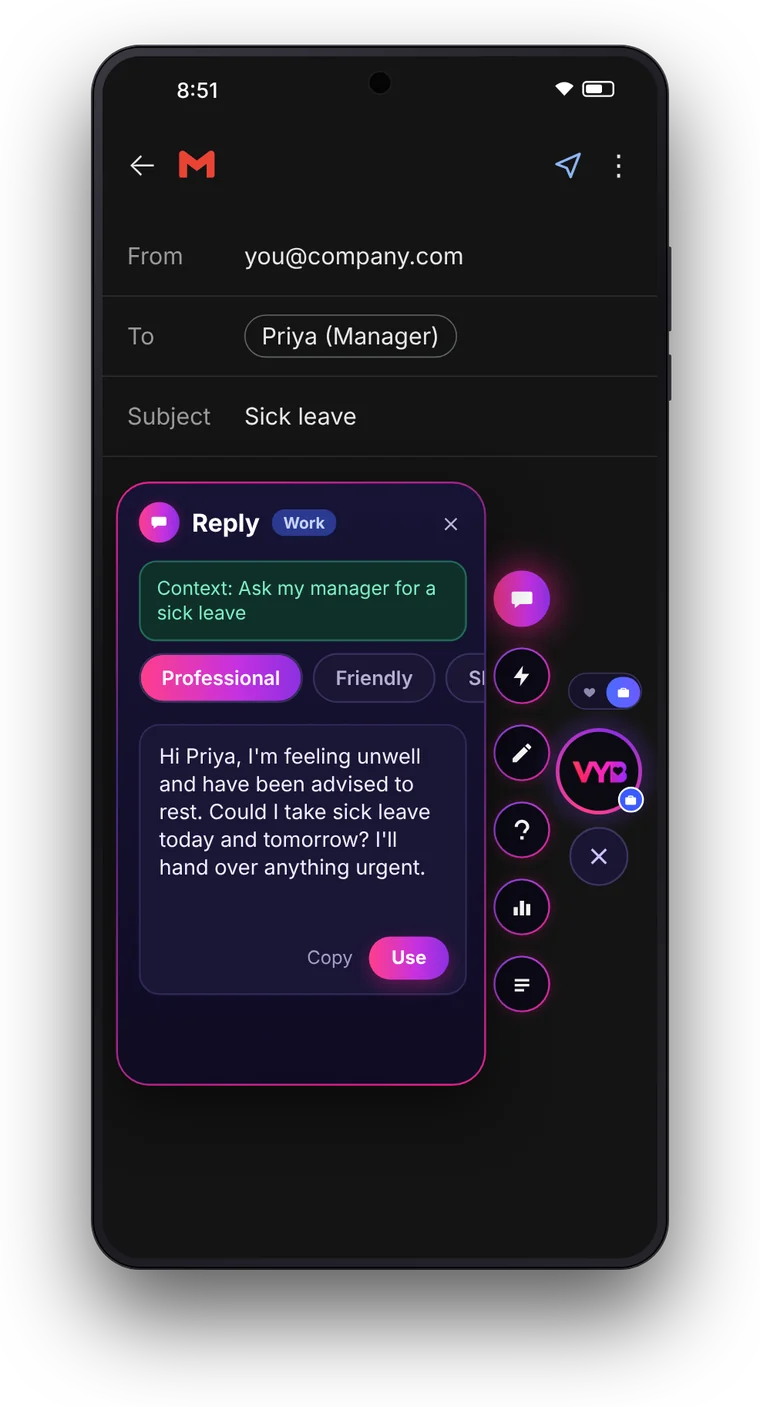
Yes — VYB is live on Google Play. On Android it comes as the VYB Orb: a floating button that works over Hinge, Tinder, Bumble, Instagram, WhatsApp and every other chat. See how it works.
Is there a free trial? How does cancelling work?
Every new account gets 14 days of VYB Pro free when you set up the keyboard or Orb: 500 VYB Coins a week, no card. It just ends on its own, so there's nothing to cancel. If you pick a plan after, cancel any time in a few taps in your App Store or Google Play subscriptions — no email, no phone call.
Can you see my messages?
VYB never logs your keystrokes, and never saves your screenshots or screen recordings: a screen is only read when you tap Generate, used once, then thrown away. Your analyses are visible only to you. The full details are in our Privacy Policy.